
Your photos, your credit, your own page people can hire from.
A feed buries your best shot in a day. Upload it here and it stays put, on the event page and on a photographer page of your own, with your credit and your links attached.
Already here: 2,395 photos from 109 events
Create your photographer accountWondering about credit, rights, and takedowns? Read the plain-language version.
Shoot the meet, upload before you leave the lot.
The RollingSeries app installs to your phone like any other. Pick the event, drop your photos, keep your credit on every image. No laptop, no card reader.
Get the app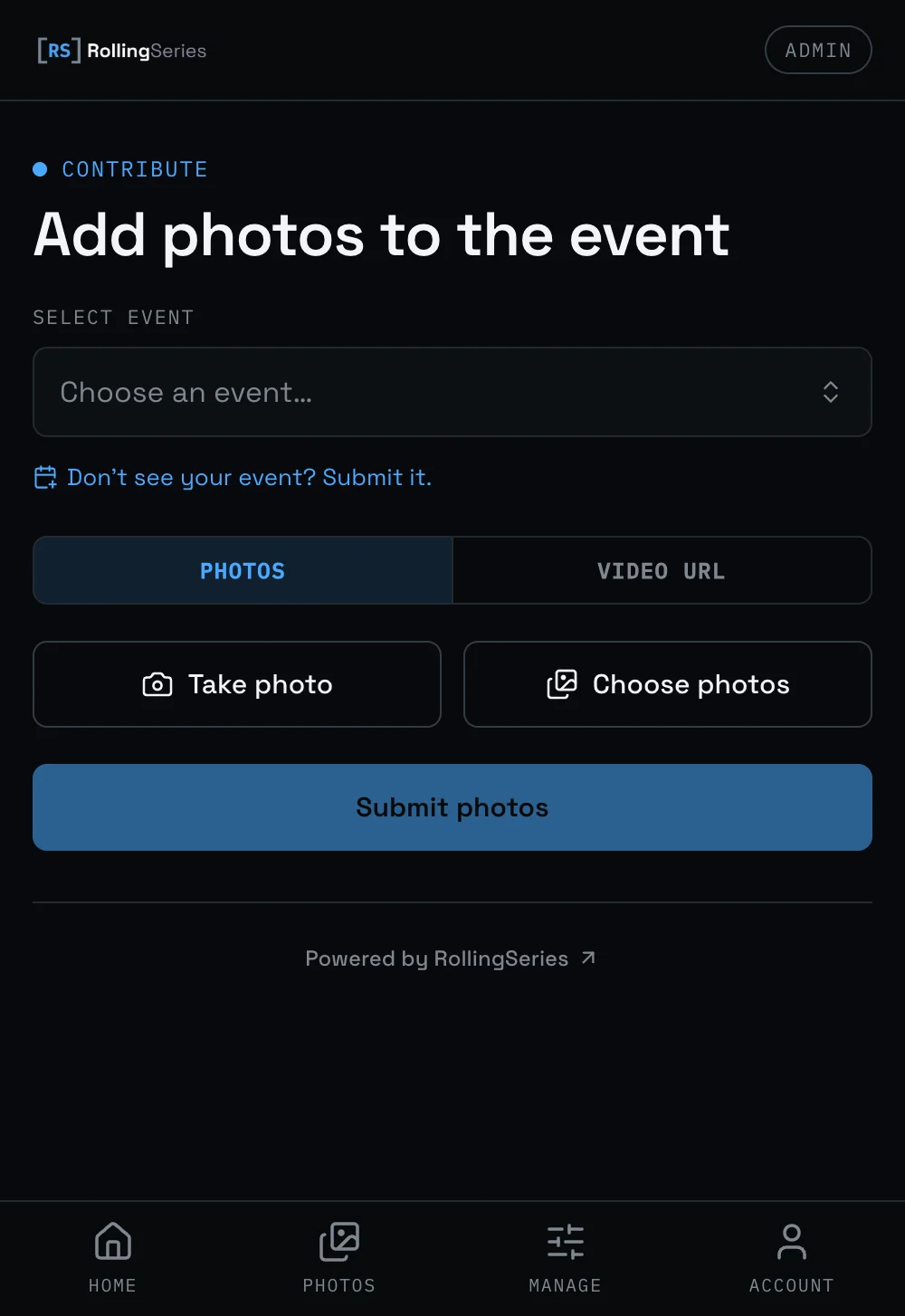
One page for everything you have shot.
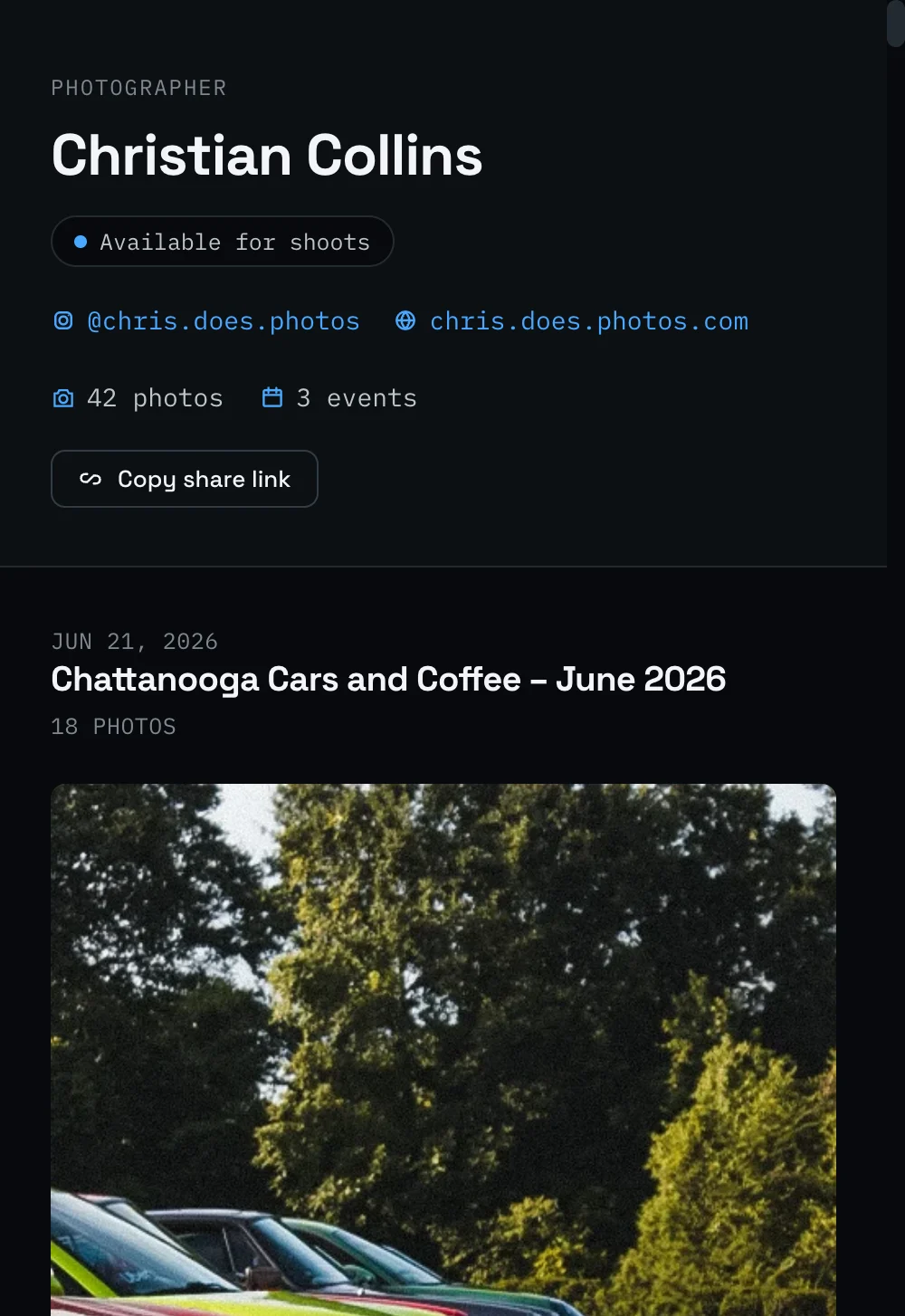
Every photo you upload rolls up to your own photographer page at a short, shareable URL. It is the link your credit points to, the page you put in your Instagram bio, and the first thing someone sees when they want to book you.
-
Your name and photo
A profile photo, a short bio, and your display name on every shot you post. Add an avatar and bio anytime from the app.
-
A featured row
Your strongest recent work sits at the top of your page, ahead of the per-event galleries below it.
-
Live stats
Photos published, events covered, and likes from visitors, counted automatically as people view and vote on your work.
-
Social and portfolio links
Add your Instagram, YouTube, TikTok, Facebook, X, and a portfolio URL. Your credit becomes a clickable link, and the icons appear on your page. You set them all, they update the moment you save.
-
Available for shoots
Flip on a badge that tells people you take paid work. Turn it off whenever your calendar is full.
-
Where to find me
List the upcoming meets you plan to shoot and they show up on your page, soonest first. Car owners know which events to catch you at, and spent dates drop off on their own.
-
A contact form
Let car owners message you straight from your page. Your email address stays private; the message lands in your inbox.
Everything here is yours to switch on or off from your profile in the app. The hire badge and the contact form are off until you enable them.
Three steps from card reader to gallery.
-
01
Sign in
Create a free account or log into an existing one. Takes about a minute. Your account is what carries credit on every photo you upload.
-
02
Pick the event
Open the upload page and select the event you shot from the picker. If the event is not listed yet, submit a tip and we will add it.
-
03
Upload
Drop your files. Add your own alt text and caption if you want to, or leave both blank and our AI drafts them for you; a moderator reviews before anything goes live. Shooting video too? Submit a YouTube link to the same event and it shows up alongside your photos.
You already post to Instagram. Post here too.
A feed forgets. A record does not.
A post peaks the day you publish it and then it is gone unless somebody scrolls back a year. Here every shot sits on the page for the specific meet you shot, next to the date and the venue, where someone looking up that event finds it next season.
Your name is attached, not mentioned.
Reposts strip credit. A tag in a caption disappears the moment somebody screenshots the photo. Every image here carries your name in the page itself, and that name links wherever you point it: Instagram, YouTube, TikTok, your portfolio, or a contact form that keeps your email private.
One link that keeps working.
A post is one day of attention. A photographer page is a short link you can put in a bio, send to a client who asks what you shoot, or hand to an organizer who wants coverage. It updates itself every time you upload, so the link you shared months ago shows your latest work.
Turn one meet into a week of traffic.
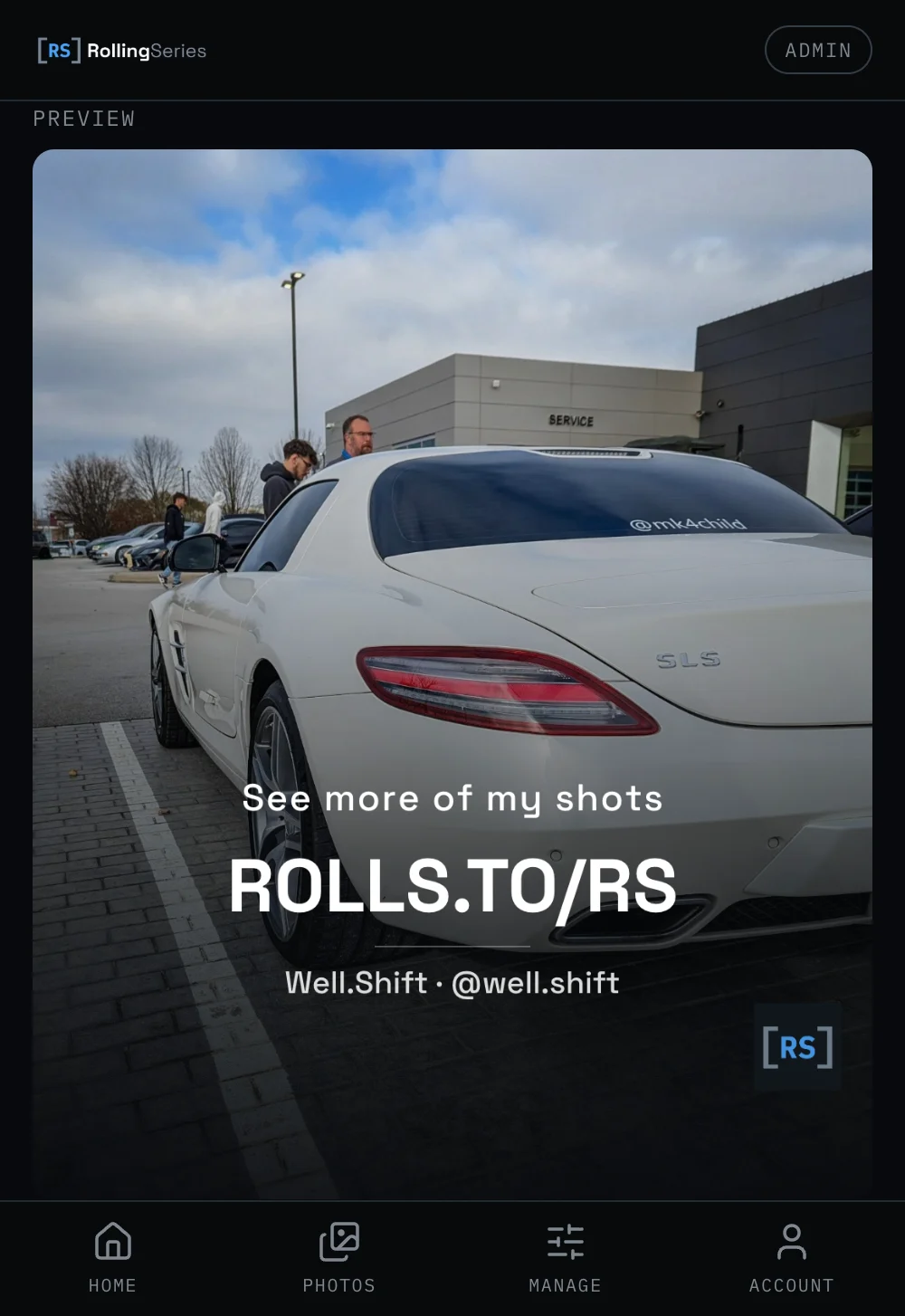
Once your photos are up, build a Final Image: a share card with your short URL printed on it. Drop it in as the last slide of an Instagram carousel and anyone who swipes to the end lands on your photographer page.
It is the workaround for Instagram captions not being clickable. See how the Final Image flow works, start to finish.
We push your work too. Photos that land here get pulled into our own social posts and event recaps, always with your credit and a link back to your photographer page. You do not have to submit anything or ask. Upload to a meet and you are in the pool. When one of your shots goes out, it shows up in your activity feed in the app so you know it ran.
How your work looks once it lives here.
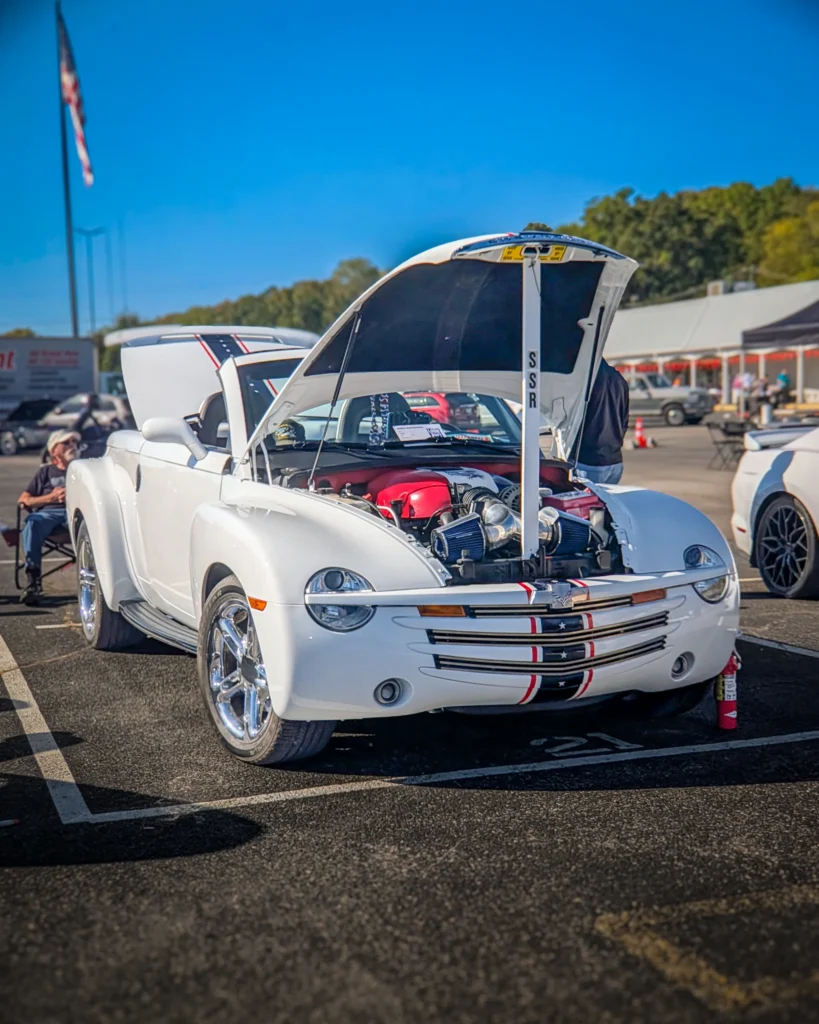
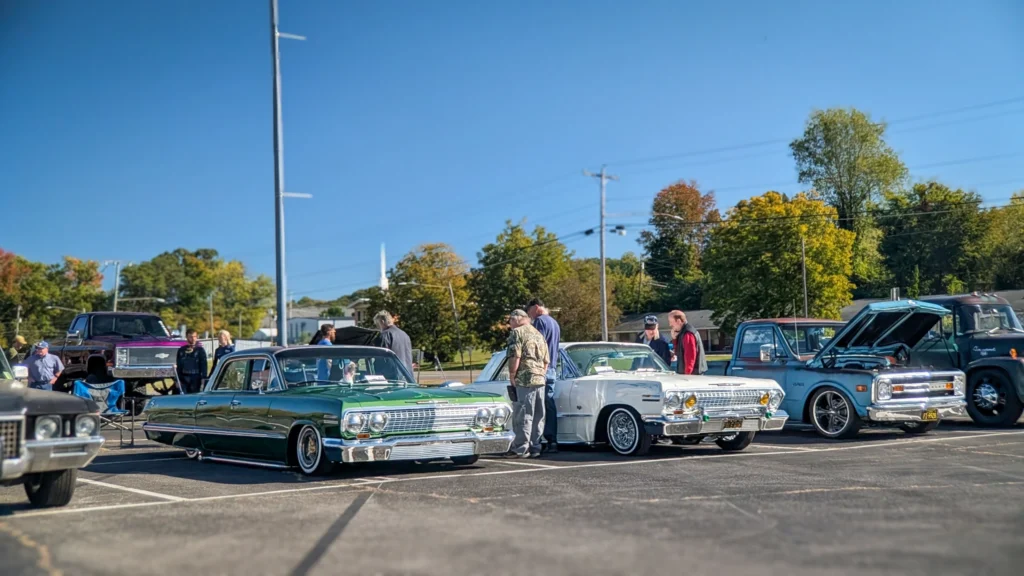
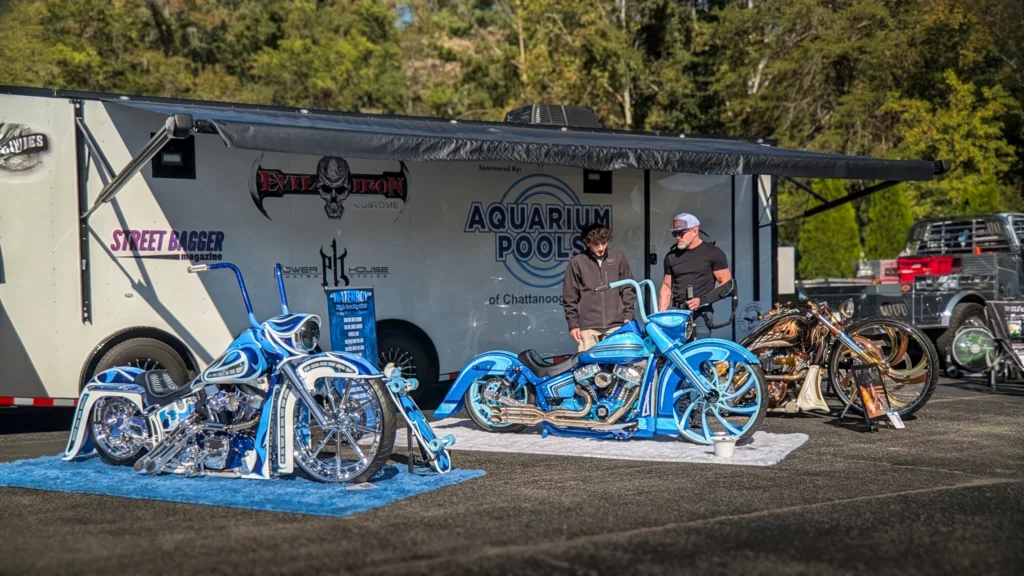
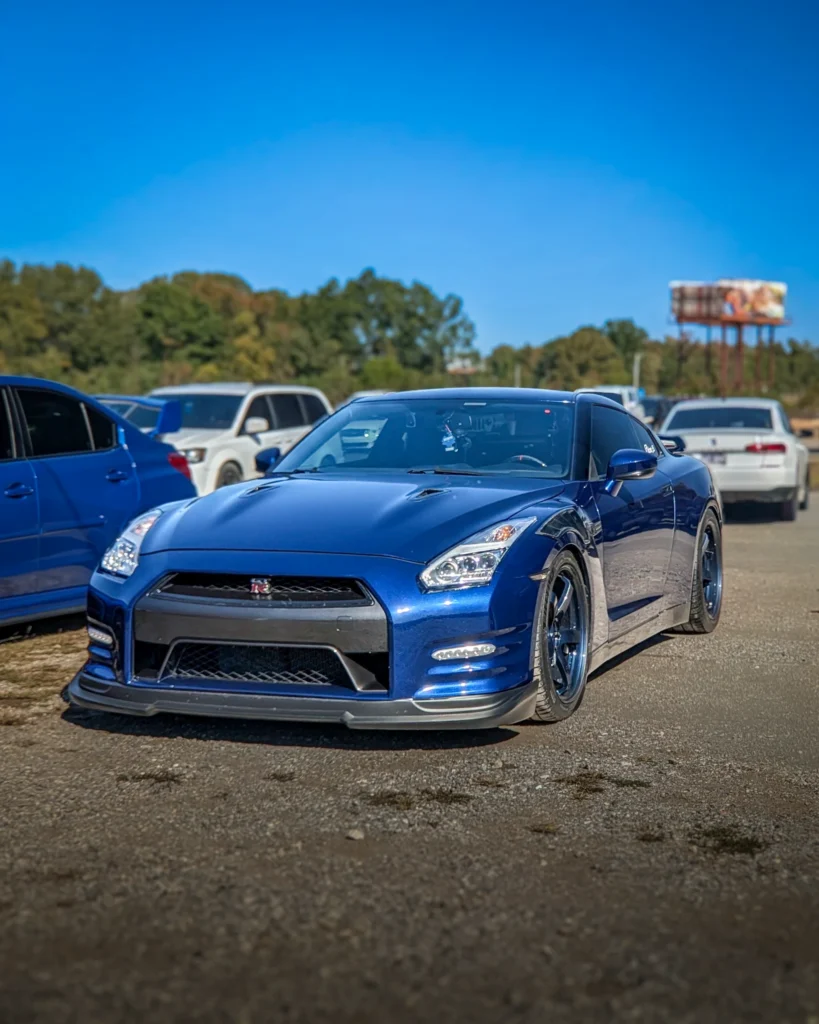
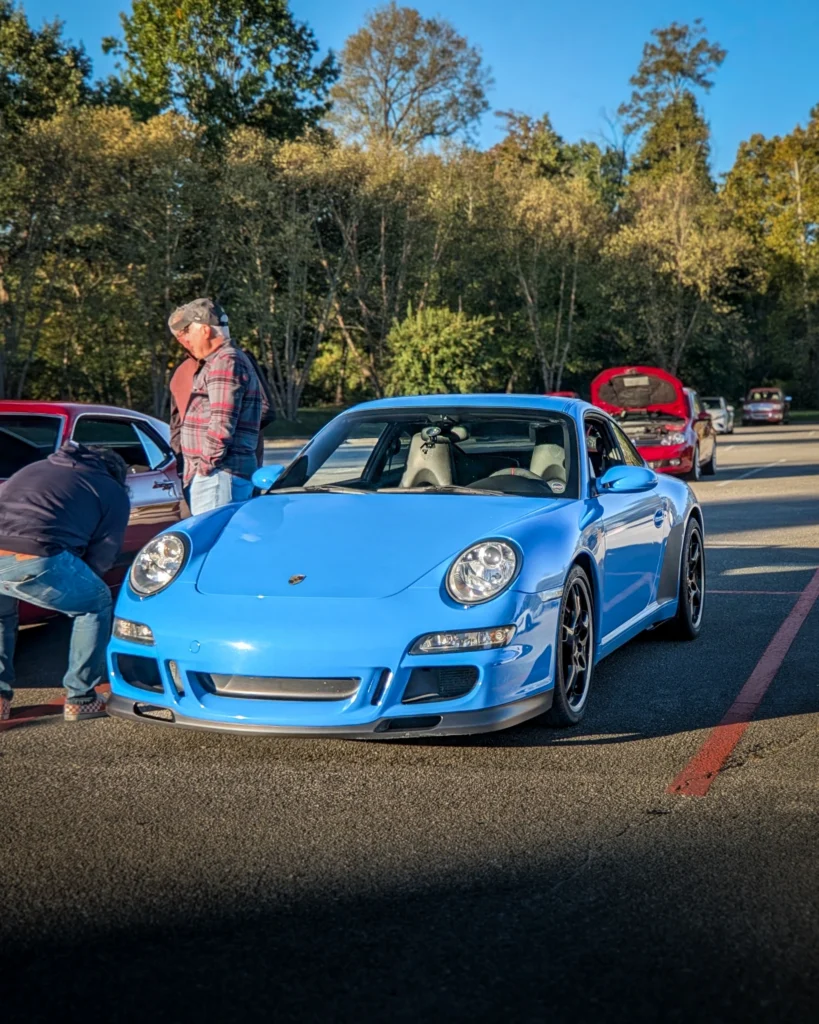
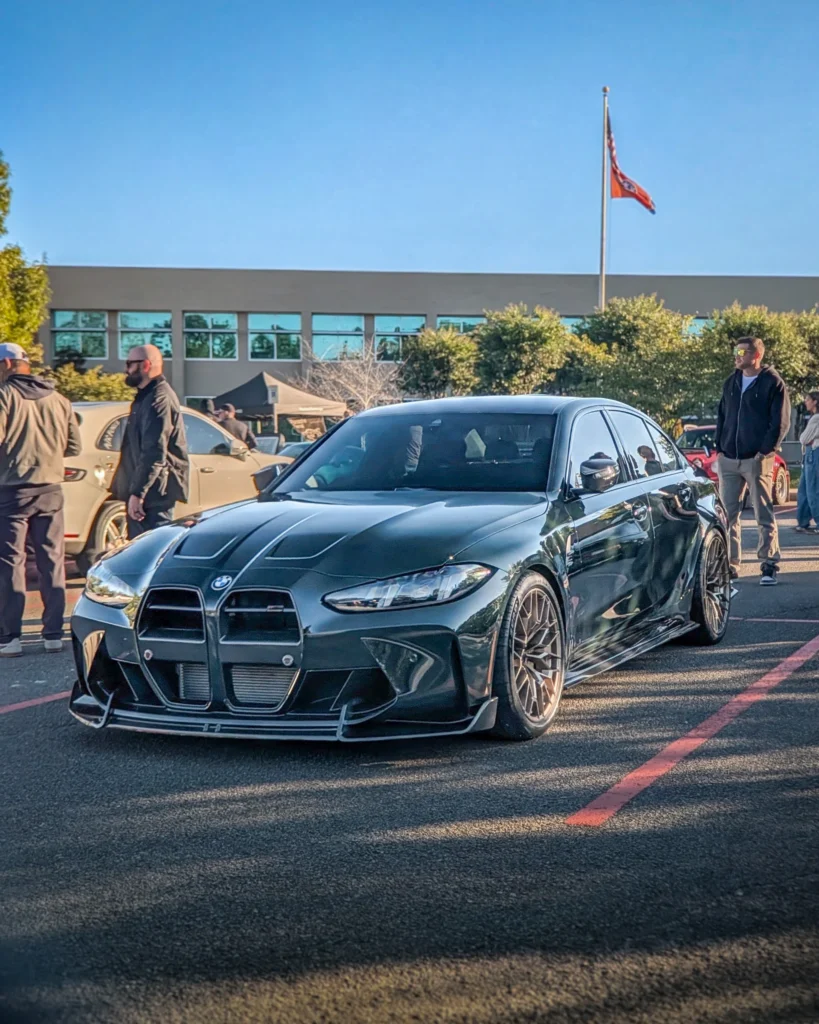
Photos by @_rolling_shutter at Cars and Coffee.
Plain language, no fine print.
You own your photos.
Uploading here gives us a non-exclusive license to two things: display the photo on the site, and use it in RollingSeries social posts and event recaps that credit you and link back here. That is the whole grant. We will not sell your photos, license them to anyone else, or use them in paid advertising without asking you first. You keep all rights, you can post the same shots anywhere else (Instagram, your portfolio, prints, clients), and you can ask us to take any photo down at any time.
How credit works.
Your name appears on every photo you upload. On your contributor profile, add your Instagram, YouTube, TikTok, or a portfolio URL and your credit becomes a clickable link to it. No need to email us, it updates the moment you save.
About watermarks.
Allowed, but discouraged. We credit prominently so you do not need to. A heavy watermark works against you here because it makes the photo less useful to the people viewing it, and your name is already attached.
About AI captions.
You can type your own alt text and caption right on the upload form. Leave both blank, which is what most contributors do, and AI drafts them for you instead. It makes one pass: a plain-language description for accessibility, and a short label like "Make Model, Angle". A human moderator reviews that draft before the photo goes public. Either way, you can change either field yourself at any time from the Your Photos page in the app, before or after it is published.
Taking photos down.
Delete any of your own photos yourself, anytime, published or not, from the Your Photos page in the app. For anything you would rather we handle, get in touch with what you want removed. We act on takedown requests promptly and without argument. This applies to your own work, to a single photo, or to everything you have ever uploaded here.
About people in the photos.
Car events are public, and photos taken at them are normal documentary photography. Anyone identifiable in a photo who would prefer not to be on the site can contact us and we will remove the photo. No reason needed.
For the full license terms, takedown process, and what we will and will not do with your photos, read the Contributor Agreement.
Add a recent event.
Got shots from a meet last weekend? Drop them in. Takes a few minutes.
Upload to an upcoming eventWant to cover a series regularly?
If you shoot the same meet every month, get in touch. We will coordinate so your work is the default coverage for that series.
Request to cover a seriesYour city not listed?
Submit the series. Once it is live, upload your shots and go on the record as the founding photographer for that meet.
Submit a seriesCommon questions.
Do I need an account?
Yes. A free account is what attaches credit to every photo you upload and lets you edit alt text or request a takedown later. Signup takes about a minute.
Can people hire me through the site?
Yes. Turn on the "available for shoots" badge and the contact form from your profile in the app. Car owners can then message you straight from your photographer page, and your email address stays private until you reply. Leave both off and your page is display-only.
Can I show people which events I will be at?
Yes. From the dashboard in the app, add the upcoming meets you plan to shoot and they appear in a "Where to find me" list on your photographer page, soonest first. It is the easiest way to let car owners catch you in person. Once an event date passes it drops off the list automatically, so the page is always forward-looking.
Can I share video too?
Yes. Submit a YouTube link to an event and it appears alongside the photos for that meet, with the same credit. Video goes through the same moderation step as photos.
Can I delete my photos later?
Yes. Delete any of your own photos yourself from the Your Photos page in the app, whether they are pending or already live. Prefer we handle it, or want everything you have ever uploaded removed at once? Get in touch. No questions asked.
What happens if AI gets the caption wrong?
A moderator reads every AI-generated caption before the photo goes live, so glaring errors get caught up front. If something slips through or you spot a wrong make or model later, you can edit the alt text or caption yourself from the Your Photos page in the app, anytime, even after the photo is published. Or send us a note and we will fix it.
Can I post the same photos somewhere else?
Yes. The license you give us is non-exclusive. Post the same shots on Instagram, on your own portfolio, in print, anywhere. We do not take any rights away from you. It runs the other way too: we may feature your photos in our own social posts and recaps, always credited and linked back to your photographer page.
How is my name credited?
Your display name shows up next to every photo. Add an Instagram, YouTube, TikTok, Facebook, X, or portfolio link on your contributor profile and the credit becomes a clickable link to it. You set them all yourself, no email required.
Do you allow watermarks?
Allowed, not encouraged. Your name and link already ride along with every photo, so a heavy watermark mostly costs you readability without buying you protection. A subtle corner mark is fine if you prefer it.
What is the Founder badge?
A permanent badge on your photographer page that marks you as one of the early photographers who helped build the site. It is awarded automatically once your first photos are published, and it stays on your profile for good. Get in early and it is yours.